
Observability & MLOps for AI Agents
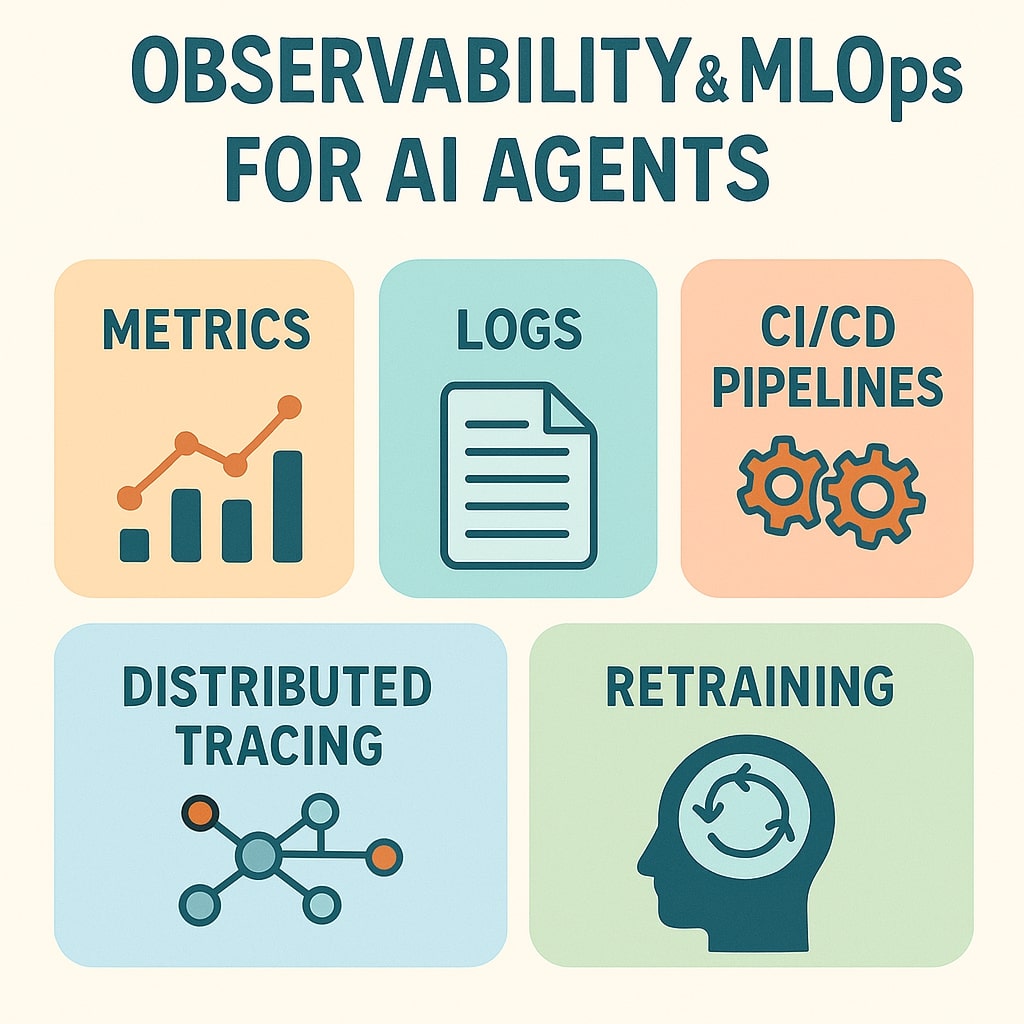
Observability & MLOps for AI Agents
Rolling out an AI agent is thrilling—watching it answer questions and automate workflows. But without observability and a solid MLOps pipeline, that excitement can quickly turn into firefighting. This guide equips you with concrete steps, code snippets, and real-world insights so you can monitor, troubleshoot, and iteratively improve your agent in production.
1. Why Observability Matters
AI agents orchestrate multiple systems: an LLM core, persistent memories, external APIs, and business logic. If something breaks, you need to know where and why—fast.
- Blind Spot Example: Last quarter, our sales-assistant bot suddenly dropped from 5 requests/sec to 1 rps. Surface-level metrics showed “model calls OK,” but customers experienced delays. Only after adding distributed tracing did we discover that a third-party CRM API had throttled us.
- Cost of Ignoring: Each minute of downtime or sluggish performance can cost thousands in lost revenue or user trust.
The Four Pillars of Observability
- Metrics
- Quantitative: throughput (rps), latency (ms), error rates (%).
- Instrumentation: use Prometheus client libraries.
from prometheus_client import Counter, Histogram REQUEST_LATENCY = Histogram( 'agent_request_latency_ms', 'Agent request latency in ms', buckets=[50, 100, 200, 400, 800] ) ERROR_COUNT = Counter('agent_error_total', 'Total agent errors') def handle_request(req): with REQUEST_LATENCY.time(): try: process(req) except Exception: ERROR_COUNT.inc() raise - Logging
- Structured JSON logs capturing context: user_id, session_id, model_version, memory_hits.
{ "timestamp":"2025-08-01T14:22:31Z", "level":"INFO", "user_id":"U1234", "step":"memory_lookup", "latency_ms":35, "memory_hit":true } - Tracing
- Follow a request end-to-end across services (planning → memory → tool → synthesis).
- Tools: OpenTelemetry, Jaeger, Zipkin.
from opentelemetry import trace tracer = trace.get_tracer(__name__) def plan_and_execute(req): with tracer.start_as_current_span("planning"): plan = generate_plan(req) with tracer.start_as_current_span("memory_fetch"): memory = fetch_memory(plan) with tracer.start_as_current_span("tool_invoke"): result = call_external_tool(memory) with tracer.start_as_current_span("synthesis"): return synthesize_response(result) - Alerting & Dashboards
- Set Grafana alerts on key metrics:
- P95 latency > 200 ms for > 5 min
- Error rate > 1% sustained
- Build dashboards showing trends and anomalies.
- Set Grafana alerts on key metrics:
2. Defining & Tracking Core Metrics
Every agent is different, but these metrics are a starting point:
| Metric | Definition | PromQL Example |
|---|---|---|
| Task Success Rate | % of interactions completed without human handoff | sum(success{env="prod"}) / sum(total{env="prod"}) |
| Avg & P95 Latency | Mean and 95th-percentile response time | histogram_quantile(0.95, rate(agent_request_latency_bucket[5m])) |
| Error Rate | % of failed requests | rate(agent_errors_total[1m]) / rate(agent_requests_total[1m]) |
| Memory Hit Rate | % of memory lookups satisfied by cache | rate(cache_hits[5m]) / (rate(cache_hits[5m]) + rate(cache_misses[5m])) |
| Tool Invocation Counts | Number of calls made to each external service | sum by(service)(rate(tool_calls_total[5m])) |
Pro Tip: Tag metrics with
model_version,customer_tier, orregionto pinpoint performance variations across segments.
3. Distributed Tracing in Practice
3.1 Setting Up Jaeger
- Docker Compose:
version: "3" services: jaeger: image: jaegertracing/all-in-one:1.52 ports: - "6831:6831/udp" - "16686:16686" - Configure the SDK:
from opentelemetry.exporter.jaeger.thrift import JaegerExporter from opentelemetry.sdk.trace import TracerProvider from opentelemetry.sdk.trace.export import BatchSpanProcessor provider = TracerProvider() exporter = JaegerExporter(agent_host_name="jaeger", agent_port=6831) provider.add_span_processor(BatchSpanProcessor(exporter)) trace.set_tracer_provider(provider) - View Traces: Open
http://localhost:16686and filter on your service name. Look for long spans to identify bottlenecks.
3.2 Real-World Span Breakdown
In our customer-support agent:
- Planning: 25 ms
- Memory Fetch (Redis): 180 ms
- Tool Call (External CRM API): 260 ms
- Synthesis: 95 ms
Caching CRM data daily cut the 260 ms call down to 40 ms—transforming tail latency.
4. Building a Robust MLOps Pipeline
4.1 Versioning & Artifact Management
Use MLflow or a similar registry:
mlflow server --backend-store-uri sqlite:///mlflow.db --default-artifact-root s3://my-org-ai-models
Tag each model with semantic versions and metadata:
mlflow run train -P data_path=data/v2.csv -P model_name="support-agent" -P version="v1.3.0"
4.2 Automated Testing & Regression
- Unit Tests: Validate prompt templates and utility functions.
- Integration Tests: Hit your staging endpoint with representative queries.
- Regression Tests: Compare outputs against a golden set; flag significant deviations.
Example Integration Test:
import requests

def test_order_flow():
    payload = {"query": "Where is my order #12345?"}
    resp = requests.post("http://staging.agent.local/ask", json=payload, timeout=5)
    assert resp.status_code == 200
    assert "Your order #12345" in resp.json()["answer"]
4.3 Canary & Blue/Green Deployments
- Canary: Use Kubernetes and a service mesh to route 5% of traffic to the new version. Monitor metrics for anomalies before ramping up.
- Blue/Green: Maintain two complete environments; switch traffic only after final checks.
4.4 Automated Retraining Workflow
Use Airflow or Prefect:
from airflow import DAG
from airflow.operators.python import PythonOperator

def collect_feedback():
    # Aggregate logs, user corrections, and ratings
    pass

def train_and_evaluate():
    # Train new model, compare metrics, push to registry if better
    pass

with DAG("agent_retraining", schedule_interval="@weekly") as dag:
    t1 = PythonOperator(task_id="collect_data", python_callable=collect_feedback)
    t2 = PythonOperator(task_id="train_model", python_callable=train_and_evaluate)
    t1 >> t2
Include a validation gate that rejects models not meeting both accuracy and latency thresholds.
5. Alerting & Incident Response
5.1 Sample Grafana Alert
- Condition:
avg_over_time(rate(agent_errors_total[1m])[5m]) > 0.01 - Channel: Slack
#ai-agent-alertswith summary including recent error logs link.
5.2 Runbook Snippet
- Trigger: P95 latency > 200 ms for 10 mins.
- Investigate:
- Check Jaeger for the longest spans.
- Review Redis and CRM API health.
- Mitigate:
- Scale Redis or clear cache.
- Switch external API endpoint.
- Roll back to previous model version if needed.
- Post-Mortem: Document root cause, update dashboards and alerts.
6. Case Study: Customer-Support Agent Overhaul
Background
Our retail client’s support bot responded to FAQs and order queries. As traffic surged, replies slowed to 2+ seconds, frustrating users.
Actions Taken
- Instrumented End-to-End Metrics: Added Prometheus and Jaeger spans.
- Identified Bottleneck: Redis cache misses spiked during sales promotions.
- Scaled & Tuned: Increased Redis replicas and introduced a write-through cache.
- Implemented Canary Releases: Safely rolled out model and infra updates.
- Automated Retraining: Weekly jobs ingested corrected queries as training labels.
Results
- P95 Latency: Reduced from 1 500 ms to 350 ms.
- Error Rate: Dropped from 4.8% to 0.6%.
- Ops Time: Mean time-to-resolution for incidents fell by 70%.
Conclusion
Production-grade AI agents demand more than just a powerful LLM—they need end-to-end visibility and a disciplined MLOps strategy. By instrumenting metrics, logs, and traces, automating testing, deployment, and retraining, and defining clear alerts and runbooks, you’ll shift from reactive firefighting to proactive innovation.
Action Items
- Audit your observability setup—ensure every stage is covered.
- Build a CI pipeline for model releases.
- Schedule your first canary deployment and rehearse rollback.
Start today and elevate your AI agents from experiments to enterprise-grade collaborators.
Related Tools
Useful tools for this topic
If you want to turn this article into a concrete next step, start with one of these.
Solution Type Quiz
PlanningDecide whether your use case is better served by automation, a chatbot, RAG, a copilot, or a more capable agent.
Open toolComplexity Estimator
PlanningEstimate how much build and operational complexity a proposed AI system is likely to create.
Open toolEvaluation Plan Builder
OperationsBuild a first evaluation plan for answer quality, action safety, human review, monitoring, and rollback.
Open toolSubscribe to AgentForge Hub
Get weekly insights, tutorials, and the latest AI agent developments delivered to your inbox.
No spam, ever. Unsubscribe at any time.